To help you get the most out of your Vantage DX hands-on trial we have put together a series of videos that walk you through different scenarios in which you can proactively monitor Microsoft Teams performance. From monitoring VIPs, to troubleshooting Teams Meeting Rooms to detecting outages – Vantage DX has you covered.
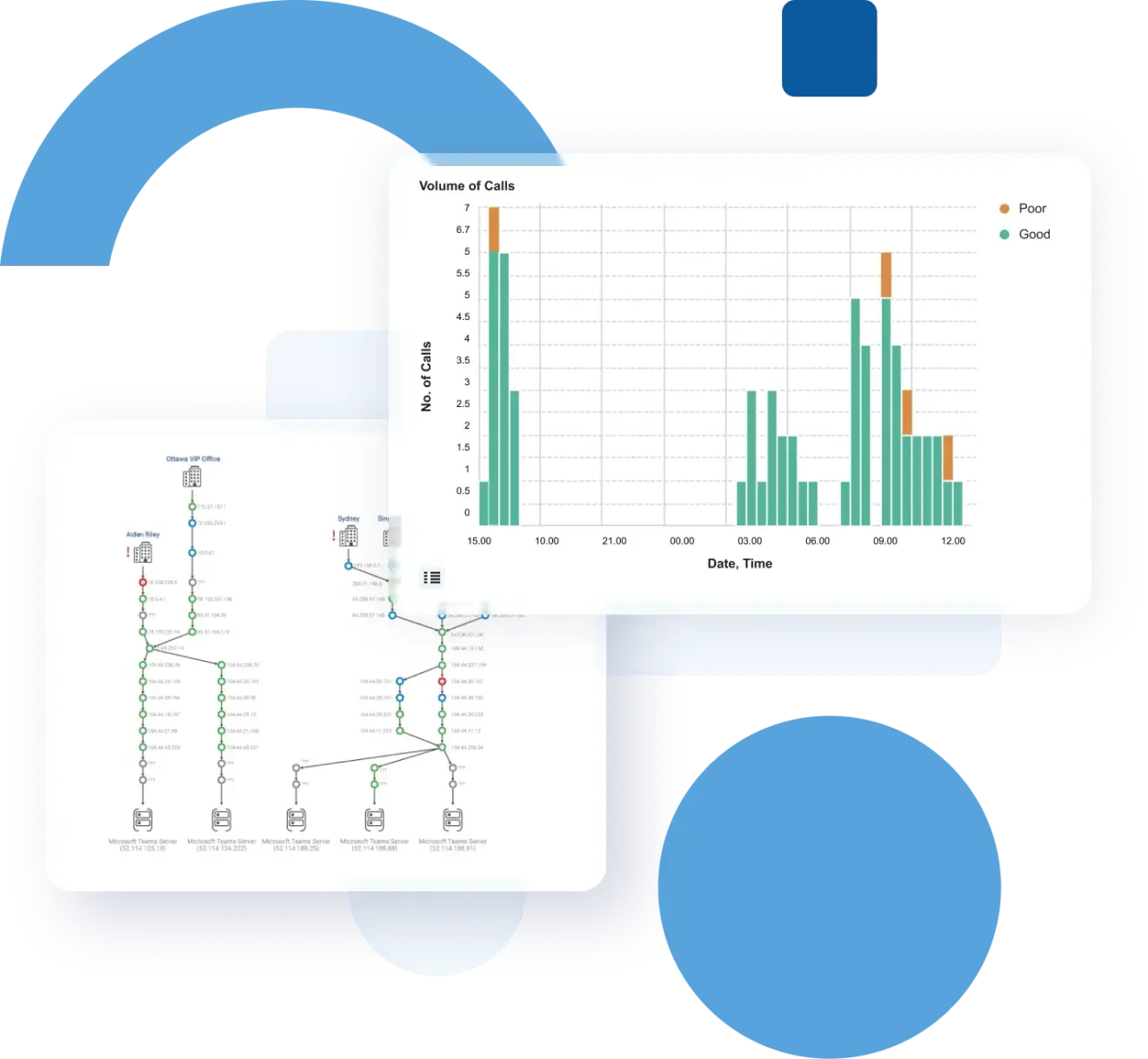
Proactively Manage the Teams Experience for VIPs and Critical Office Locations with Martello’s Vantage DX
The Challenge
VIPs and other individuals at critical locations may not open IT tickets but are extremely quick to complain if Microsoft Teams is not working optimally. For IT teams, a quick response is impossible without alerting based on the Teams user experience, along with troubleshooting tools that can give a clear indication of where the problem exists and what needs to happen to resolve it.
See how Martello’s Vantage DX can help you

Be alerted when these VIP groups or critical locations have issues

Drill down into the issue and troubleshoot their problems through root cause and end-to-end network path performance analysis

Define and actively track SLA for VIP service quality
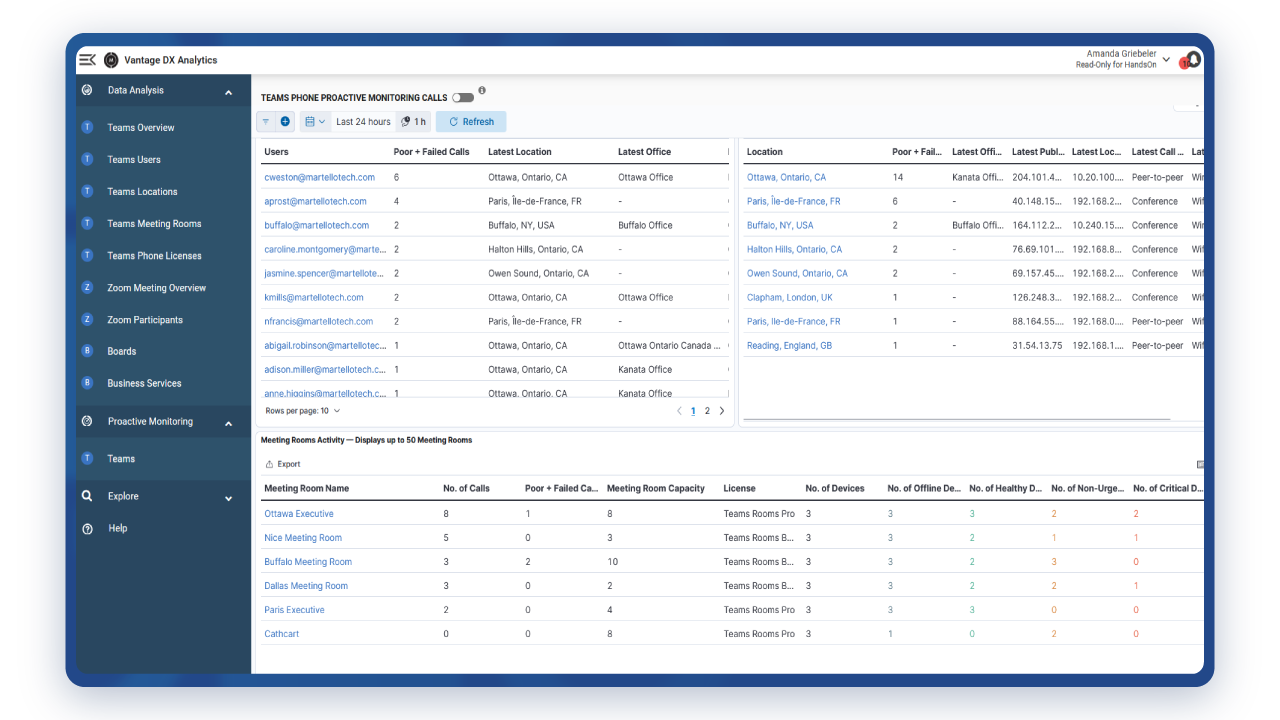
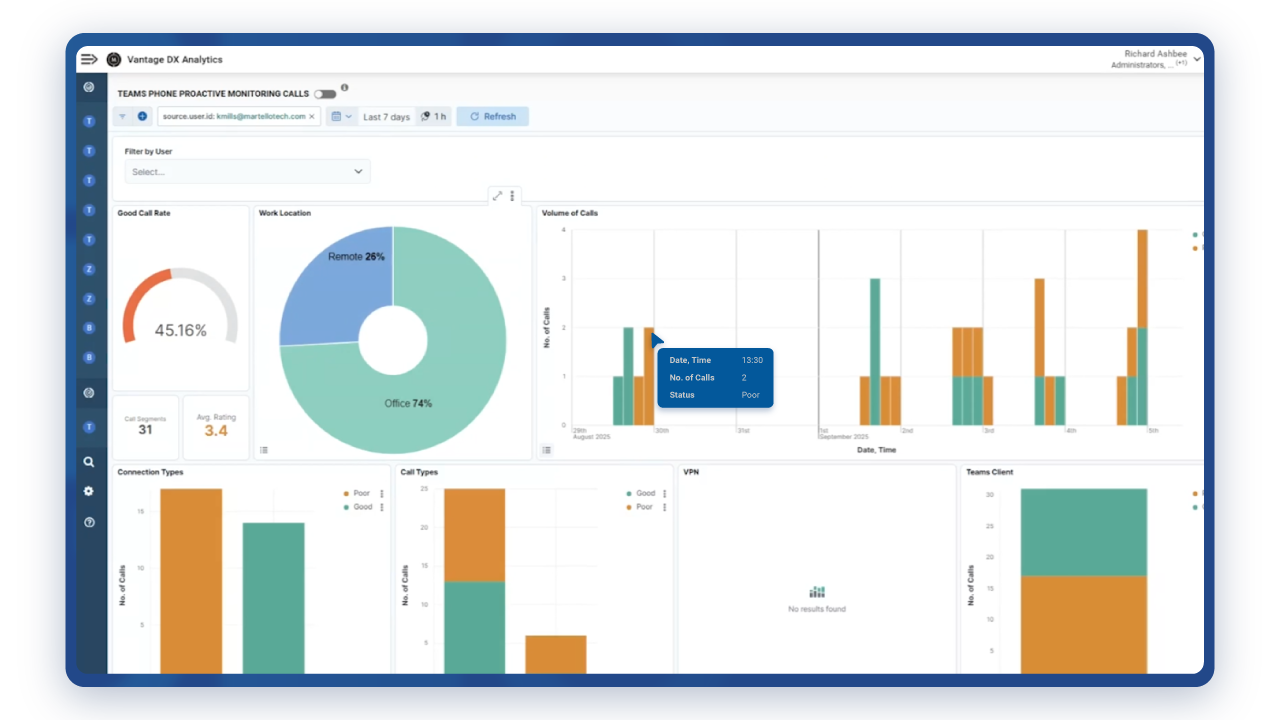
Troubleshooting Microsoft Teams Meeting Room Devices and Conferences with Martello's Vantage DX
The Challenge
Detecting any issues with Microsoft Teams Meeting Room devices or the overall Teams Meeting Room experience is difficult without proper alerting in place. Microsoft’s native tools do not offer this, nor do they provide a clear way to troubleshoot issues.
See how Martello’s Vantage DX can help you
Monitor the health status of all your Meeting Room devices
Be alerted on any certified device issue (Surface screen, MTR, IP-phone)

Check the quality of the service delivered in every Microsoft Teams Meeting Room you have and on every meeting they host
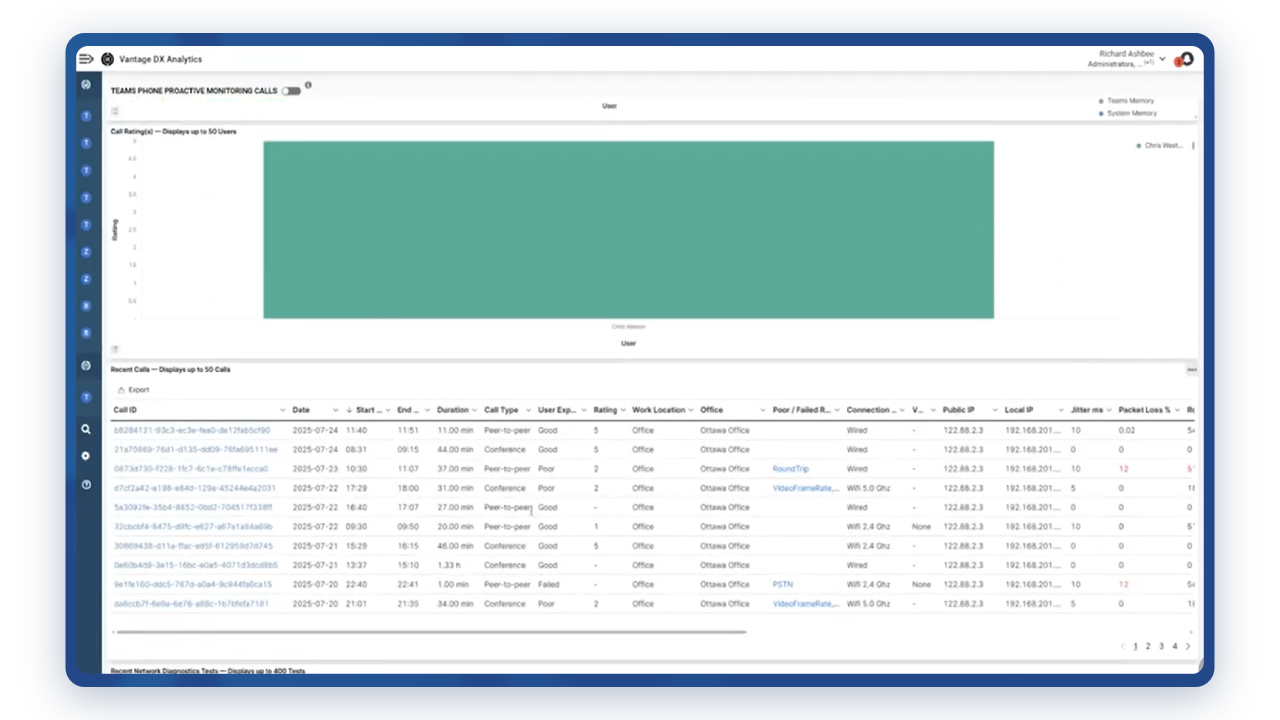
Ensure Teams Phone and PSTN Call Quality
The Challenge
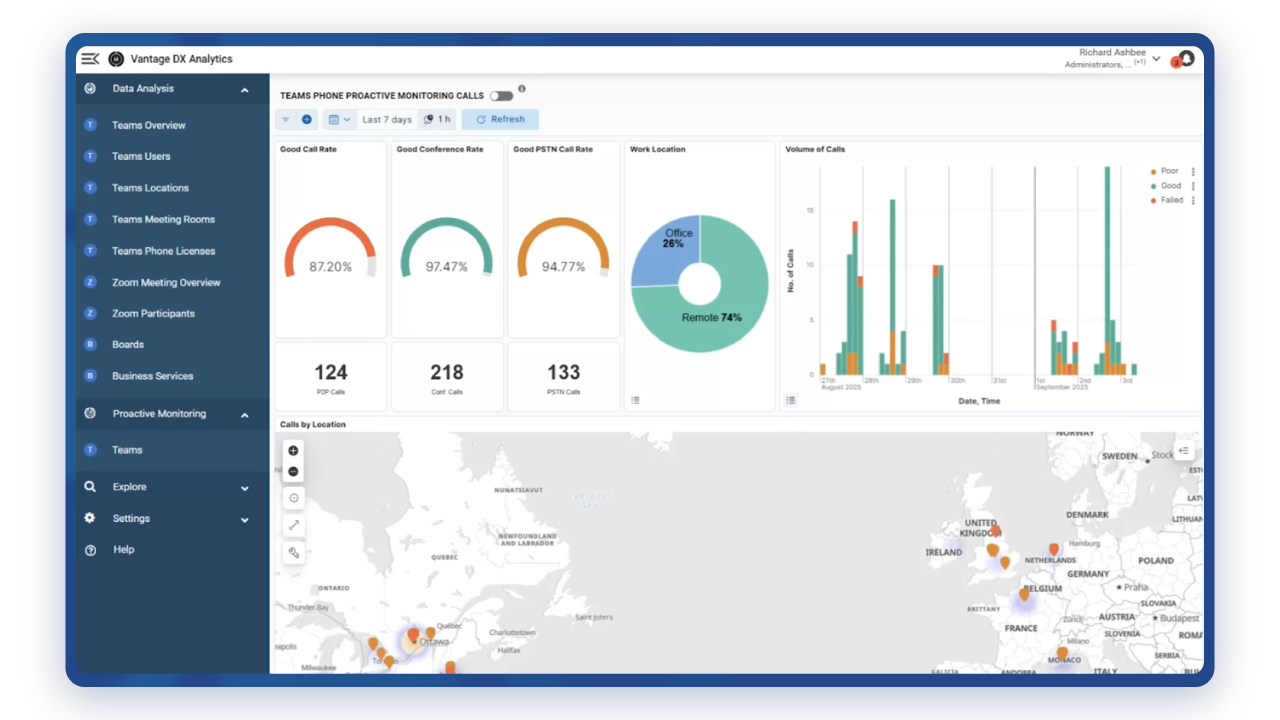
With a rapidly increasing number of users dependent on Teams Phone, this high value investment demands a high-level of performance. It also brings additional IT complexity with performance harder to manage due to a lack of end-to-end visibility and more places for issues to crop up. Identifying and addressing reliability and quality issues that can impact business communication is critical, yet very difficult to do.
See how Martello’s Vantage DX can help you
Gain insights into Teams Phone calls to prioritize activities for investigation.
Receive immediate notifications when performance issues arise.
Use synthetic testing to simulate call behaviours to proactively identify points of failure.

Quickly identify the root-cause and resolution path

Access detailed metrics on call performance, to understand and address broader issues and trends
Monitoring the Performance of your SBCs for Direct Routing Calls with Martello's Vantage DX
The Challenge
Usually, Session Border Controllers (SBCs) are managed by the Unified Communications team which makes it difficult for the Microsoft Teams administrator to understand if Teams phone calls are affected by any issues with the SBC.
See how Martello’s Vantage DX can help you

Monitor your SBC devices
Detect and be alerted on any potential issues
Identify data performance issues between Teams and your PSTN provider
Qualify the problem to speed up service remediation
Detect Microsoft 365 And Microsoft Teams Outages with Martello's Vantage DX
Microsoft 365 and Teams outages have various root causes. Detecting them in real time is critical to limit the business impact. 24/7 monitoring and reporting that tests service quality is critical. Unfortunately, Microsoft does not have these types of monitoring features.
See how Martello’s Vantage DX can help you
Be alerted of outages in real time

Customize the alert to your needs (location, severity, type of outage)
Monitor Microsoft Teams & Microsoft 365 application service quality 24/7
Test the availability and performance of every feature from your critical locations

Set up specific Teams voice alerts per country

Track Microsoft and a Third Party’s Quality of Service with Martello's Vantage DX
The Challenge
Ensuring 24/7 service quality for Microsoft 365 and Teams suppose to be able to track the availability and performance of Microsoft Service as well as the service providers playing a role in the service delivery. Unfortunately, Microsoft does not provide any way to achieve this goal.
See how Martello’s Vantage DX can help you
Define SLA/OLA for Microsoft services
Track the service quality delivered by Teams and Microsoft 365 applications
Report on root cause of SLA breaches